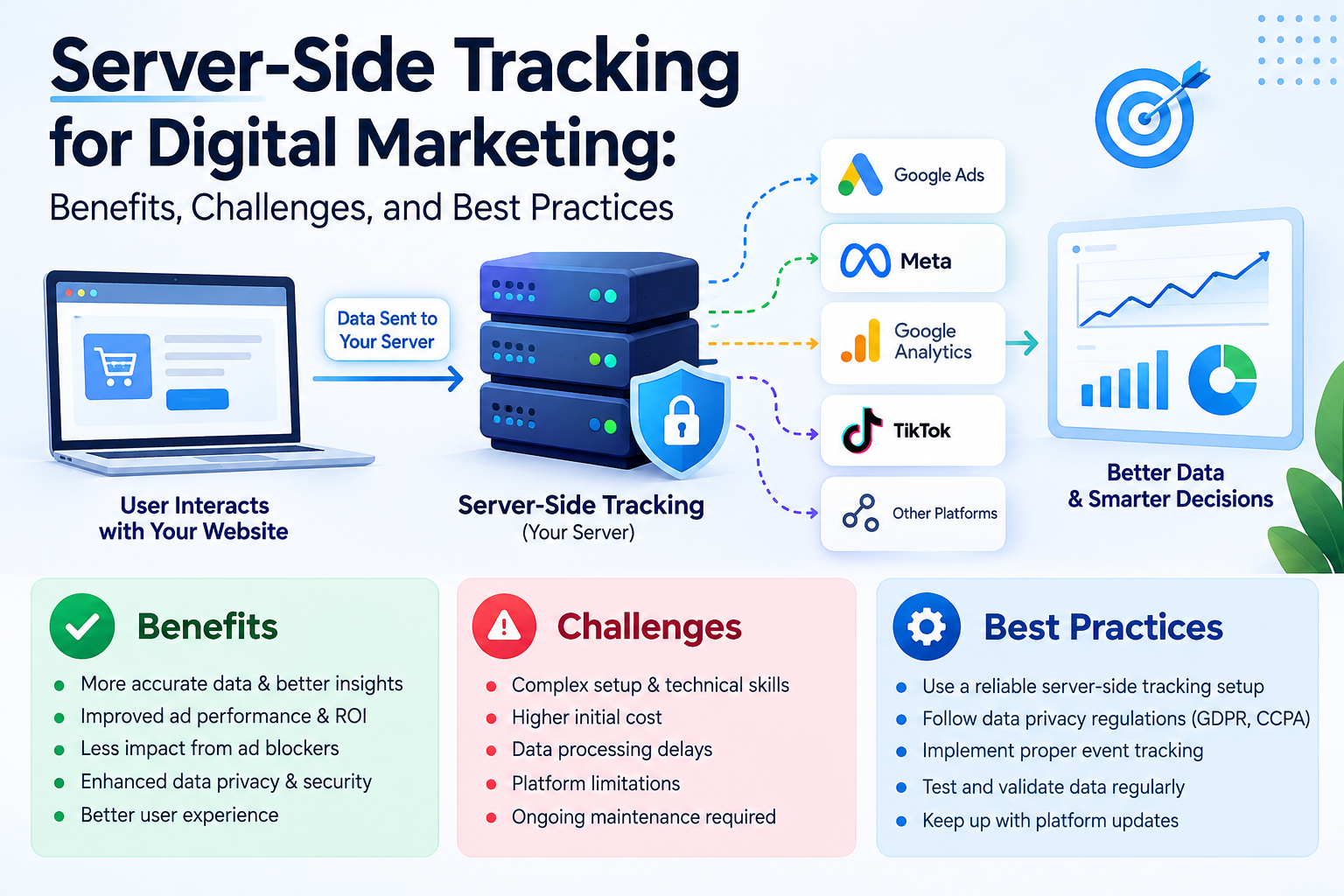
What Is Server-Side Tracking?
Server-side tracking is a method of processing website or application events through a server before sending selected information to other platforms.
Unlike traditional browser-based tracking, this approach allows businesses to manage certain data processing activities on the server.
Why Server-Side Tracking Matters
A properly implemented server-side tracking system can help businesses:
- Improve control over data transmission
- Organize marketing measurement
- Filter unnecessary event parameters
- Support more consistent analytics
- Improve debugging and data management
However, server-side tracking does not automatically guarantee accurate data or eliminate browser tracking limitations.
Understand Client-Side and Server-Side Tracking
Client-side tracking runs tracking code in a visitor’s browser.
Server-side tracking processes selected events through a server environment before forwarding them to supported destinations.
Both approaches have advantages and limitations. Businesses should select a setup based on their technical resources, measurement requirements, and privacy obligations.
How to Implement Server-Side Tracking
Follow these steps to get started:
- Identify the website events you need to measure.
- Review your existing analytics setup.
- Choose an appropriate server-side tagging solution.
- Configure the necessary event parameters.
- Test event delivery and conversion accuracy.
- Review consent requirements and privacy settings.
- Monitor the system after implementation.
Common Mistakes to Avoid
Businesses should avoid:
- Sending unnecessary personal information
- Assuming server-side tracking bypasses consent requirements
- Recording duplicate conversions
- Ignoring data security
- Failing to test event accuracy
- Implementing tracking without a clear business purpose
Measure Tracking Performance
Depending on your setup, monitor:
- Event delivery accuracy
- Conversion tracking consistency
- Duplicate event rates
- Analytics data quality
- Reporting discrepancies
- System maintenance costs
Leave a Reply