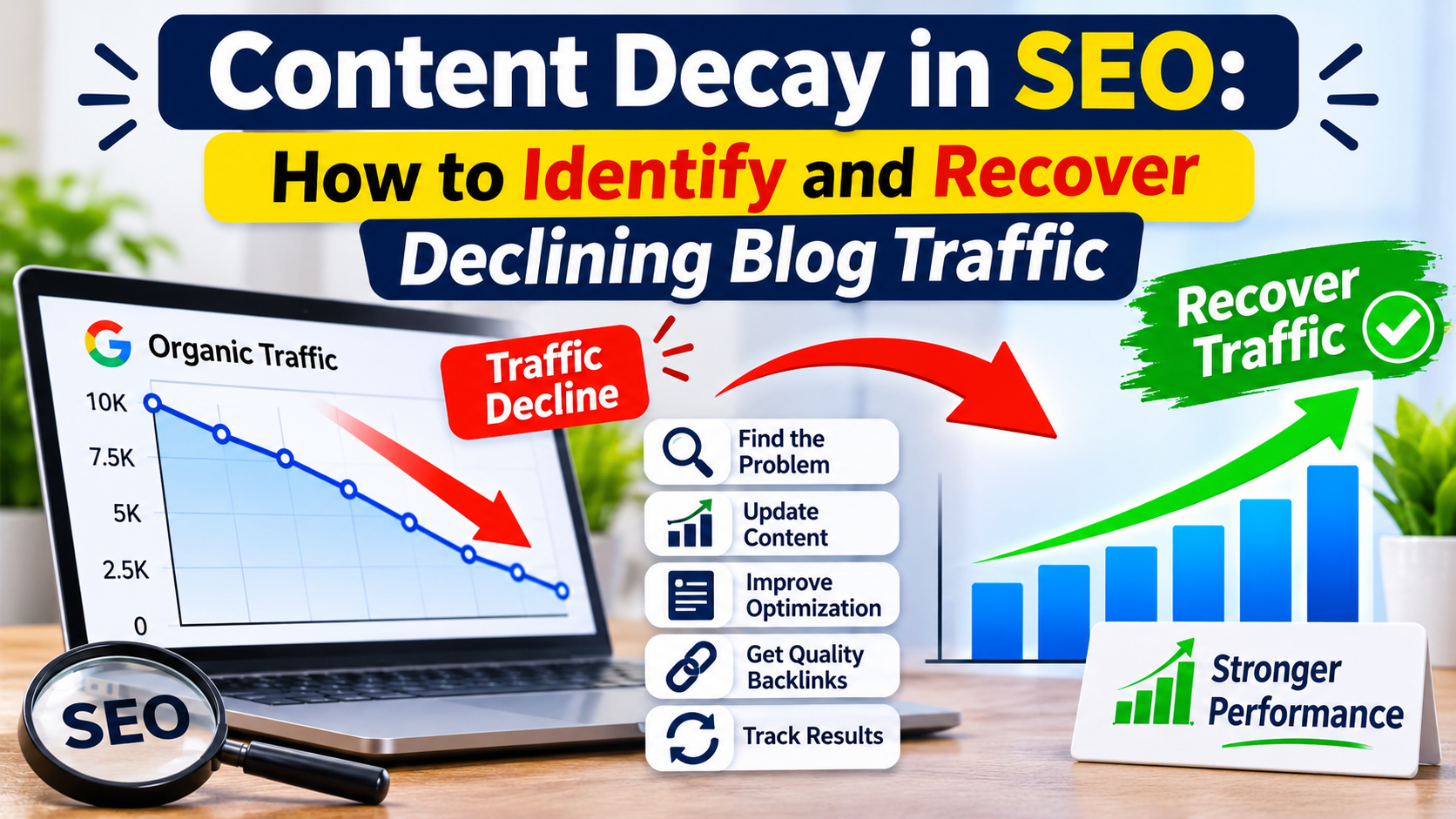
Why Content Decay Matters
Identifying content decay can help businesses:
- Recover declining organic traffic
- Maintain content accuracy
- Improve search relevance
- Identify outdated information
- Strengthen existing blog posts
- Make better use of published content
Identify Pages With Declining Performance
Google Search Console can help you identify pages that are losing organic clicks or impressions.
Compare performance across different periods and look for pages experiencing consistent declines.
Also investigate whether the decline is related to search demand, seasonal changes, or technical problems.
Understand Why Content Is Losing Traffic
Common reasons include:
- Outdated information
- Changes in search intent
- New competitors publishing better resources
- Missing information
- Broken internal links
- Technical SEO problems
- Declining relevance of the target keyword
Identify the actual problem before making changes.
Update and Improve Existing Content
A content refresh strategy may include:
- Updating outdated statistics
- Adding relevant information
- Improving headings and readability
- Replacing broken links
- Adding useful examples
- Improving internal linking
- Updating screenshots where necessary
- Improving the introduction and conclusion
Avoid changing content simply to make it appear new.
Improve Search Intent Alignment
Review the search results for your target keyword and understand what users currently expect.
For example, a keyword that previously attracted informational articles may now show comparison guides or practical tutorials.
Update your article only when the changes genuinely improve its usefulness.
Measure Content Recovery
After updating an article, monitor:
- Organic clicks
- Search impressions
- Average search position
- Click-through rate
- Relevant keyword visibility
- Organic conversions
Allow enough time for search engines to recrawl and reassess the updated page.